Lives in your menubar
No dock icon. No extra windows cluttering your screen. One click to open, one click to close — stays out of the way until you need it.
Eye contact, naturally.
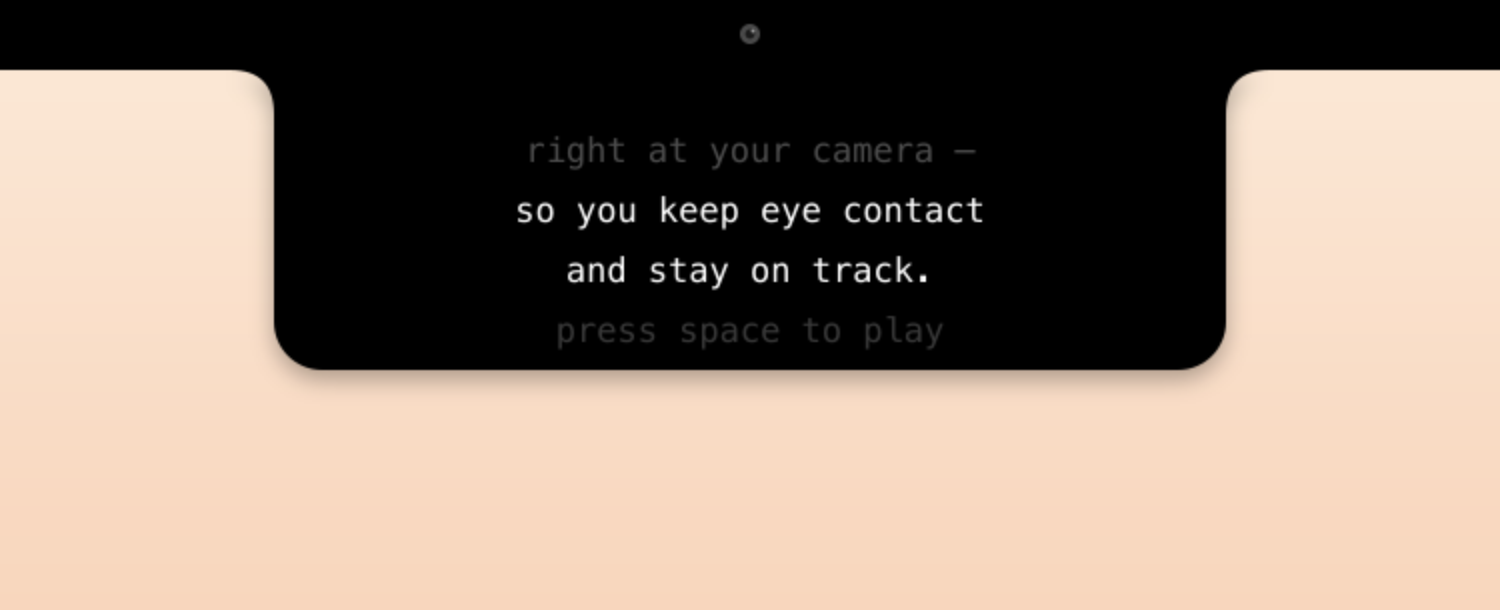
How it works
No training required. If you can paste text, you can use Menubar Prompter.
Open the menubar app, paste any text — talking points, scripts, key stats. Plain text or bullet points, it handles both.
The prompter window hovers just below your built-in or external camera. Drag it once, it remembers where to go.
Use arrow keys or a clicker to scroll at your pace. Text glides silently. Your audience sees your eyes, not your notes.
No dock icon. No extra windows cluttering your screen. One click to open, one click to close — stays out of the way until you need it.
Plain text, bullet lists, Markdown (Pro). No special format required. Paste your Notion notes, your Google Doc, or a text file as-is.
Arrow keys or a presentation clicker scroll the text at exactly your pace. Speed adjusts on the fly so you never rush or stall.
The prompter window positions right below your camera lens. Drag it once; the app remembers exactly where you left it next time.
Follows your macOS appearance automatically. High-contrast text on the right background — readable even in a bright room.
No account. No cloud sync. No internet required — ever. Your scripts stay on your machine and go with you to any network environment.
What people say
“I stopped looking at my script tab entirely. The eye contact feedback I get from clients went from polite to genuine.”
Marco R.
Sales Director
“Prepped 40 minutes of product demo talk in Notion, pasted it, done. The scroll speed dial is perfect — I barely think about it.”
Yuki S.
Product Manager
“As someone who interviews candidates all day on video, this keeps me present. I look at the person, not at my notes window.”
Priya N.
Engineering Lead
Pricing
Free to use. One optional purchase — once, not monthly.
Free
forever
Everything you need to get started and decide if this works for you.
Pro
one-time
For people who live on video calls and want the full toolkit.
Requires macOS 13 Ventura or later. Universal binary — Apple Silicon and Intel.
FAQ
No. The prompter window is a regular macOS window on your screen. Screen sharing shows only what you explicitly share. If you share your full screen, share a specific window instead — most people do.
Yes. Menubar Prompter works with any camera macOS recognises, including Logitech, Sony, Elgato, and iPhone via Continuity Camera. Position the floating window just below whichever camera you are using.
The app works perfectly. Position the prompter window slightly below the notch and sit slightly further back from your screen — the notch camera angle then reads the text position as on-axis with your eyes.
Never. Menubar Prompter is fully local. Nothing is sent anywhere. It works on a plane, in a basement, or anywhere else without Wi-Fi.
Yes, in the Pro version. Any HID-compatible clicker that sends arrow keys or page-up/down events works. Most Logitech and Kensington clickers qualify.
Free is free — no refunds needed. For Pro, if you are unhappy within 30 days of purchase, email us and we will refund in full, no questions asked.
Free to download. No account needed. Pro unlocks the full toolkit in one purchase.